First call
Build an agent, talk to it in your browser, and publish it. You do not need a phone number until the last step.
Create an agent
Select Workflow in the sidebar to open Your Agents, then select Create Agent:
- From Template opens Start from a template, a list of complete agents grouped into Answer calls and Make calls. Pick one, then rename the example business in its first step.
- Blank Canvas starts with a single Start step.
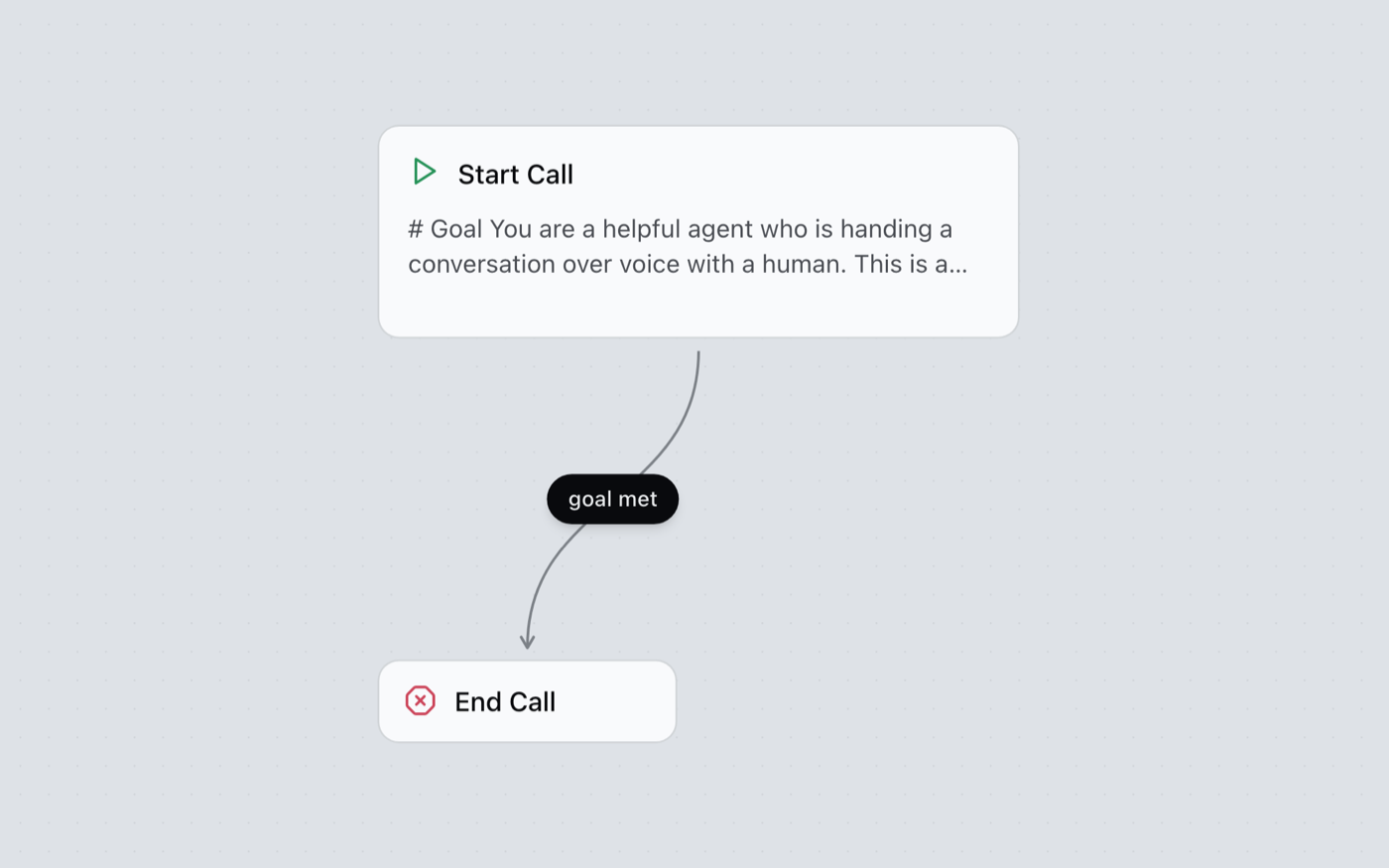
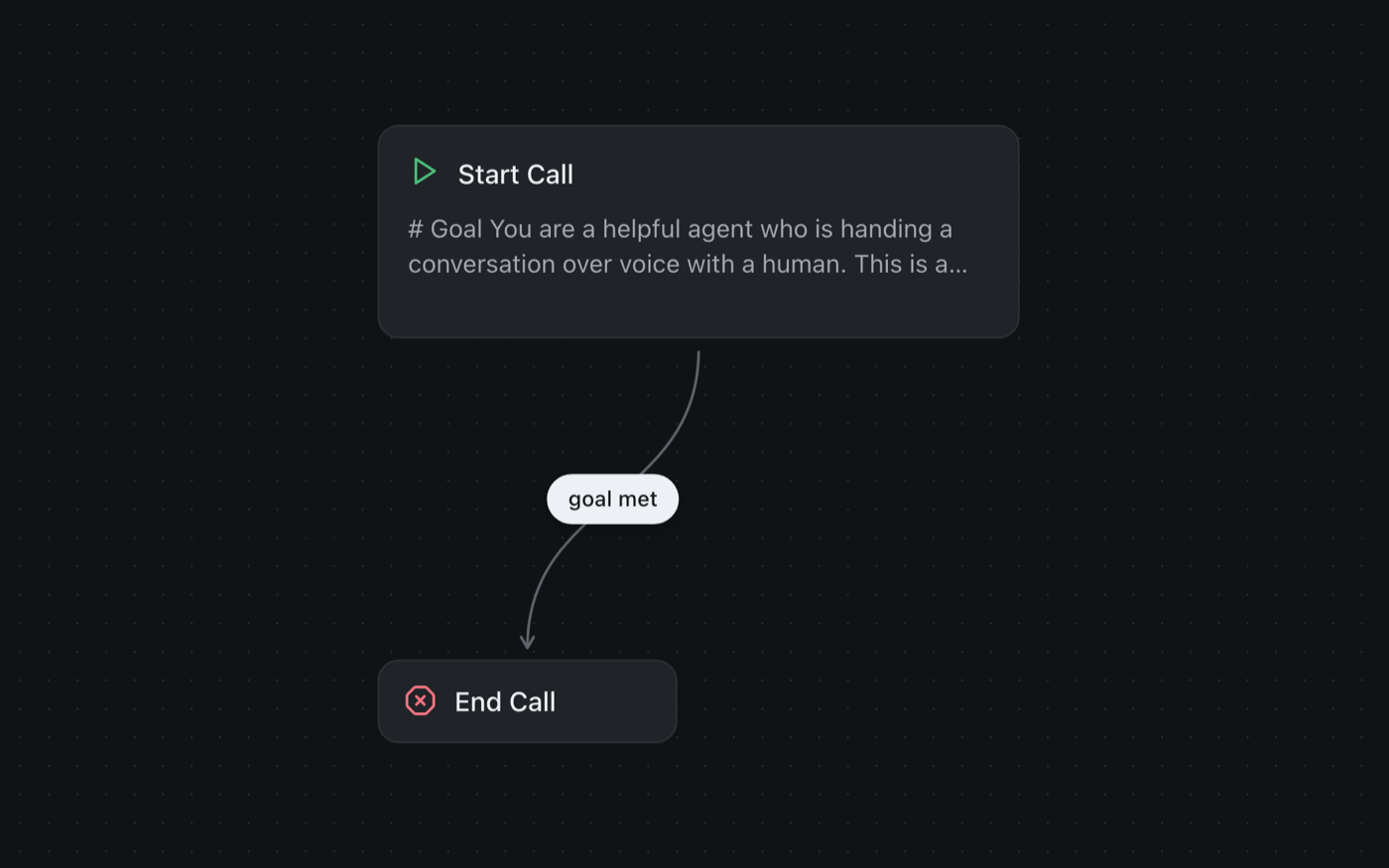
Every agent has exactly one Start step. Add more steps around it, such as an End step, and drag an arrow from one step to the next. Each arrow is the rule for when the conversation moves on.
Write the greeting and the prompt
Open the Start step. Two fields matter first:
- Greeting Text: the exact first words the caller hears. Set Greeting Type to Recording instead if you want to play your own audio.
- Prompt: what the agent is trying to do at this step, and how it should behave.
Keep the first prompt small: one clear job, tested, then add the next job as its own Agent step.
One huge prompt that describes the whole call. It reads well and behaves badly. Several small steps joined by arrows give you a conversation you can see, and when a call goes wrong, one step to fix.
Test it in your browser
Select Save, then open the Test menu:
- Test voice opens a call screen in this browser. Select Start call and talk.
- Test chat lets you type to the agent and see each reply.
- Call my phone places a real call to your phone. It needs a phone connection first.
Tests use your latest saved draft, so you hear an edit before anyone else does. The Test menu stays disabled while you have unsaved changes or errors.
When a test call ends, the same screen shows the run: the recording, the outcome, and a Show transcript button.
Change a line, save, test again.
Publish
When it sounds right, select Publish. Real callers and website visitors only ever reach the published version, so you can keep editing the draft safely. See Versions.
Put it live
Choose where people reach the agent.
On the phone: every number is your own. Bring it into Woise, then set up an Inbound entry that answers it with this agent, or call a list with an Outbound campaign.
Connect your Twilio or Telnyx account under Telephony, then add your number to that connection. See United States.
Connect your Exotel or Plivo account under Telephony, then add your number to that connection. See India.
See Numbers, Inbound and Campaigns.
On your website: add the widget so visitors can talk or chat with the agent. See Website chat.
Read your conversations
Every call and chat is a run. Open Agent Runs to see each one with its transcript, recording, outcome and cost. Editing the agent later does not change runs that already happened. See Agent Runs.
Next steps
Common questions
What is Woise?
Woise lets you build AI agents that answer and make phone calls and chat on your website. You lay out the conversation on a visual canvas, try it in your browser, then connect it to a phone number.
Do I need a phone number to start?
No. You can build and test an agent in the browser without one. When you are ready, connect a phone number and choose which agent answers it.
How does billing work?
You pay for the minutes your agents use, from your credit balance. There are no seat fees and no per-agent fees, so an agent that is not taking calls costs nothing.
Which languages can an agent speak?
Agents can listen and speak in more than 40 languages, including English, Spanish, Hindi, Tamil and Arabic. You pick the language and the voice for each agent.
Can an agent connect to my CRM or calendar?
Yes. An agent can look things up and make changes in 26 apps, such as Salesforce, HubSpot, Google Calendar, Slack and WhatsApp, during the call. You connect each app once.
Do I need engineers to build an agent?
No. Everything is built in a visual editor, so you can create and change an agent without writing code. If your team prefers code, there is also a REST API and an MCP server.
What happens to call recordings and transcripts?
Every call keeps a transcript and its outcome, and audio is only recorded if you turn it on. Only people in your account can see your calls, and your account lives in the region you chose when you signed up.
What do I have to set up or run?
None. We run the speech, the language models, the recordings and the phone connections, and scale them with your call volume. There is nothing for you to set up or keep running.
How do I reach the team?
Email contact@woise.ai, call or WhatsApp +91 83412 34080, or use the form on our contact page. A person reads every message.
Still stuck? Talk to our team.